
Skip to content
Start your free trial

Win more business, increase profit margin, and reclaim your work-life balance with TruTrade.

Software that’s built by builders for builders.

A complete construction project management software for builders

Run your whole construction business from your phone (for less than the price of a pint of beer)

A complete project management system for builders

  • Get quotes/estimates
  • Manage your team
  • Order materials
  • Keep track of cash flow and CIS
  • Communicate with customers

Plus lots more amazing features that help you work smarter, not harder

Why builders choose TruTrade

Quotes, the job, the client, invoices, materials, chat and wages. One login, in the order you actually use it.

01

Estimates

Quote like a QS — even if you’re quoting after site

A full estimating workspace. Upload the plans, break the job into builds and stages, then price it live with your own numbers.

  • Upload plans, drawings, PDFs, photos, CAD files and spreadsheets — whatever the job came in on.
  • Pipeline tracks In Progress, Ready and Sent, with your win rate and value won on the same card.
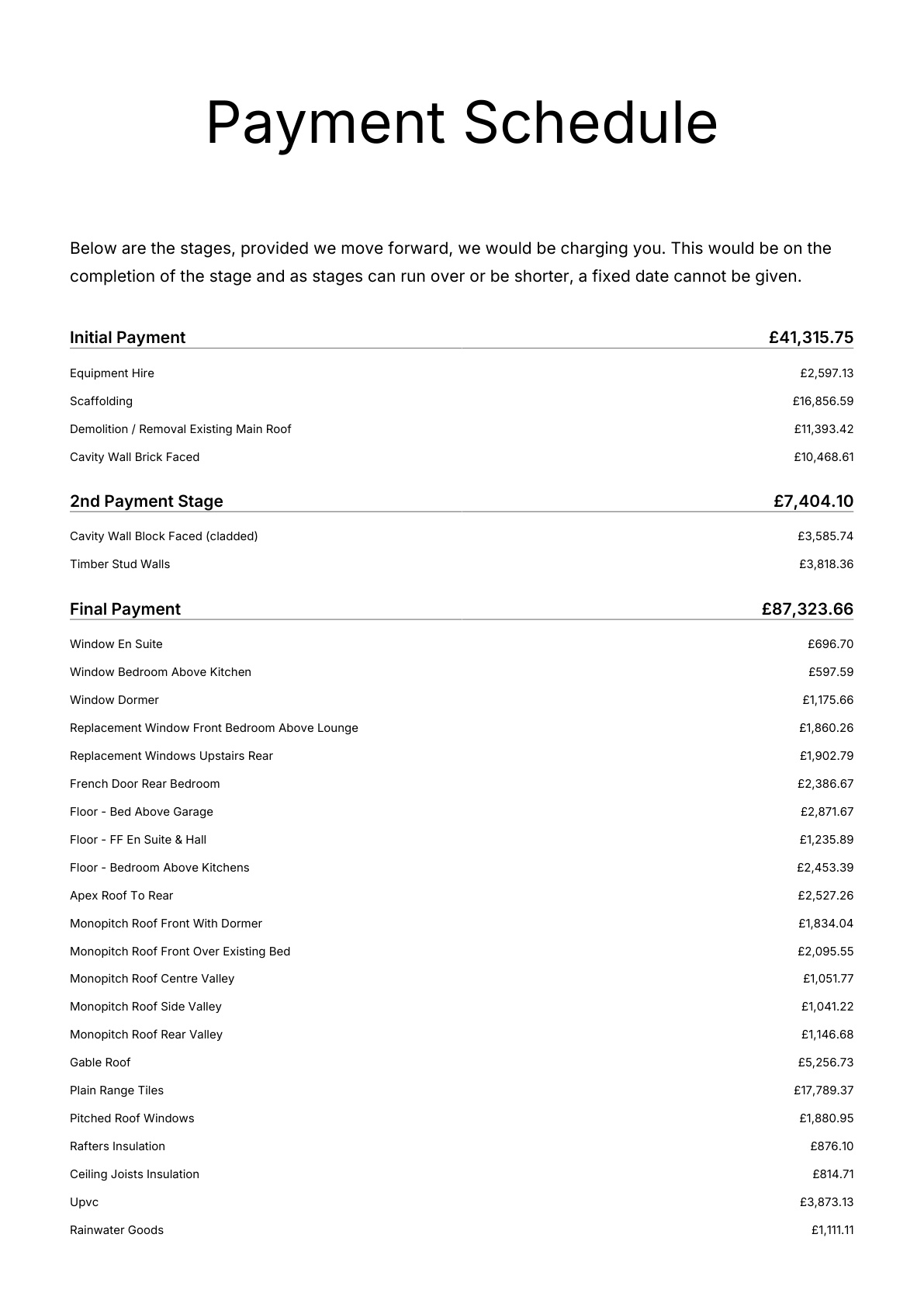
  • Versions, T&Cs and payment schedules stay attached to the estimate, not in a downloads folder.
  • Convert a won estimate into a live project. No re-typing, no duplicate entries.

Set your sell price live. Send a pack that looks like a national contractor wrote it. Convert the win into a job without re-typing it.

02

Projects

Every job has a P&L, not a folder of PDFs

Open a project and the whole job is there — money, materials, wages and the client — on one screen.

  • Six tiles on every job: profit margin, paid invoices, outstanding, spend vs budget, materials and wages.
  • Budget accordion shows client estimate, raw budget, spend, projected profit and contingency — all editable.
  • Variations and VO payments tracked separately, so agreed extras don’t vanish.
  • Sub-pages for cash available, money owed, timesheets, purchase ledger, calendar and client details.

One job screen instead of five spreadsheets. Know margin, cash, wages and materials before you buy the next skip.

A TruTrade project with profit, invoices, spend, materials and wages on one screen

03

Client portal

Give the client a login, not a WhatsApp thread

Your client gets their own app: the estimate, messages, payments, variations and drawings — all in one place, always current.

  • Digital acceptance — they accept the quote in the portal, you get on with the job.
  • Request a change formally and it becomes a tracked variation, not a text you’ll lose.
  • Every invoice and payment visible, so “I didn’t get that” stops being a thing.
  • Drawings live in one vault, not buried in an email chain from March.

You look organised. They stop ringing you at 8pm.

The client portal on a phone, with the accepted quote, payments and drawings

04

Invoices

Raise the invoice from the job. Track who hasn’t paid

Sales invoices live where the work lives — with filters, search and PDFs, scoped to a project or across the lot.

  • New invoice straight from the payment schedule — stages, amounts and dates already there.
  • KPI filters and search across every invoice, or scoped to one project.
  • Preview and PDF before it goes out.
  • Outstanding invoices sit on your home KPIs next to profit and cash.

Invoice from the payment schedule. See what’s outstanding without opening Xero first.

Sales invoices in TruTrade, showing paid, outstanding and overdue amounts

05

Materials

Quote or order from the estimate, not from memory

The materials list comes off the estimate stage by stage. Merchant-connected jobs can price it and order it without leaving the job.

  • Take the materials list straight off the estimate, stage by stage.
  • Merchant-connected jobs: request a material quote or place the order from the job.
  • Printable stage material lists for site — no more shopping lists on offcuts.
  • Spend lands on the job’s material ledger as it happens.

Take the materials off the estimate, get a merchant price, order, and keep the spend on the job.

Materials taken off an estimate, priced and ready to order from the merchant

06

TruChat

Site chat and a trade feed in one place

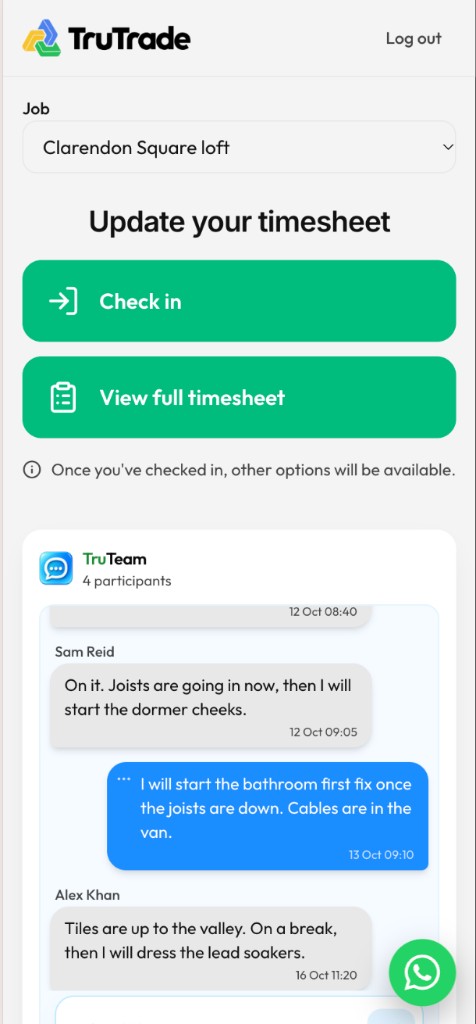
TruChat keeps every job’s conversation on the job — you, the client and the team.

  • Project Chat: one thread per job — you, the client and the team. Unread counts and presence built in.
  • The same thread appears on the project and in the client’s Messages tab.
  • TruTrade Feed: posts, photos and comments with the wider trade.

Stop losing instructions in WhatsApp.

TruChat on a phone, with the job conversation between builder and client

07

Payroll, HMRC & reports

Payroll, built for British builders

CIS, PAYE, VAT and supplier balances in the same login as the quote — because builders don’t run American invoicing apps.

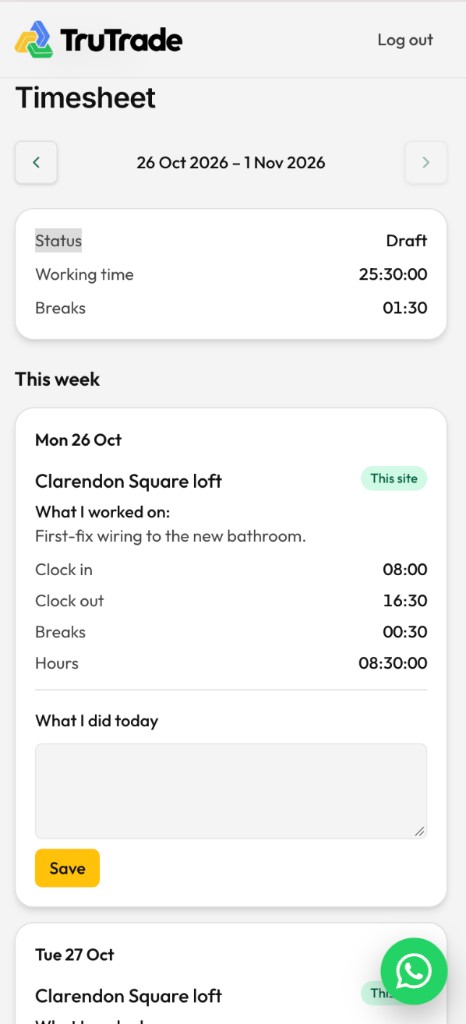
  • Run PAYE and CIS payroll and mark it paid. Timesheet approvals on the week.
  • CIS and PAYE wage ledgers — monthly and yearly deductions, tax, NI and net.
  • HMRC view: VAT liabilities, sales, purchases and reverse charge.
  • Purchase ledger for suppliers.

CIS, PAYE, VAT and supplier balances in the same login as the quote.

Run payroll in TruTrade, with PAYE, CIS and net wages for the week

Accurate Estimating & Professional Quote Packs

Tried estimating services before but don’t trust the accuracy?

Send us your drawings and an estimator will call you within 24 hours to go through the job. Every labour and material cost is priced at current UK supplier rates. You get the full breakdown and a client-ready Quote Pack in 3 to 5 working days. We’re so confident in our estimates that every one is backed by our 100% satisfaction guarantee.

  • A full labour and materials breakdown, so nothing gets missed
  • You set the margin, overheads and contingency. You stay in control of the price
  • A free, client-ready Quote Pack with every estimate
  • From £90 + VAT. No subscription needed
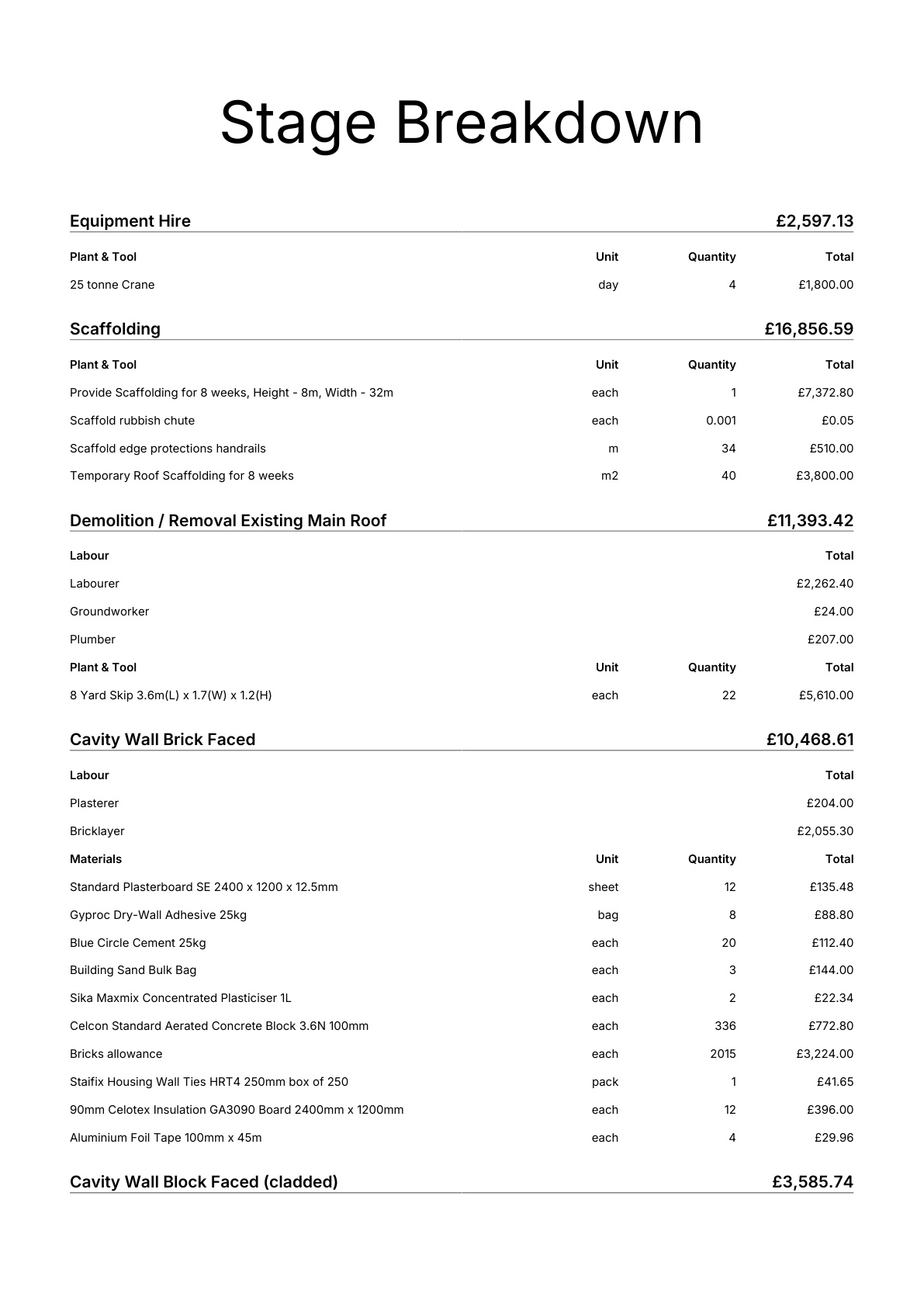
Quote pack cover Quote pack proposal Quote pack payment schedule

Won the job? Turn it into a project.

Your estimate doesn’t stop at the quote. Everything carries straight through to running the job.

  1. Estimates moving from drawings through to pricing
    1

    Price the job

    We build the estimate from your drawings.

  2. Paid, outstanding and overdue invoices on a job
    2

    Set your margin

    Adjust margins, overheads and contingency line by line.

  3. A client quote in the TruTrade portal
    3

    Send your Quote Pack

    A professional, branded quote for your customer.

  4. The TruTrade app home screen on a phone
    4

    Win the work

    Your customer says yes.

  5. A live project with budgets, invoices and spend
    5

    Run the job

    Turn the estimate into a project in one click.

What builders say about TruTrade

“I used to spend Sunday nights pricing extensions. Sent the drawings over, had a call the next day and the full breakdown by the end of the week. The Quote Pack made us look like a much bigger firm.”
[Name][Company], [Town] · TruTrade Ambassador
“The lads log their hours on their phones now. Friday wages used to eat my whole afternoon. Now it’s done before I’ve had my tea.”
[Name][Company], [Town] · TruTrade Ambassador
“Won the job off the estimate, turned it into a project and ran the whole thing from the app. Everything’s in one place instead of five.”
[Name][Company], [Town] · TruTrade Ambassador

Win more work. Run better jobs. Get your time back.

Try TruTrade free for a month, then £4.99 + VAT per seat per month.